
Roblox Studio
Roblox Studio for Kids: Build an Obby | Brilliant Algorithm
Discover how building a simple Roblox obstacle course helps children explore 3D design, coding, and problem-solving through planning, scripting, and testing.
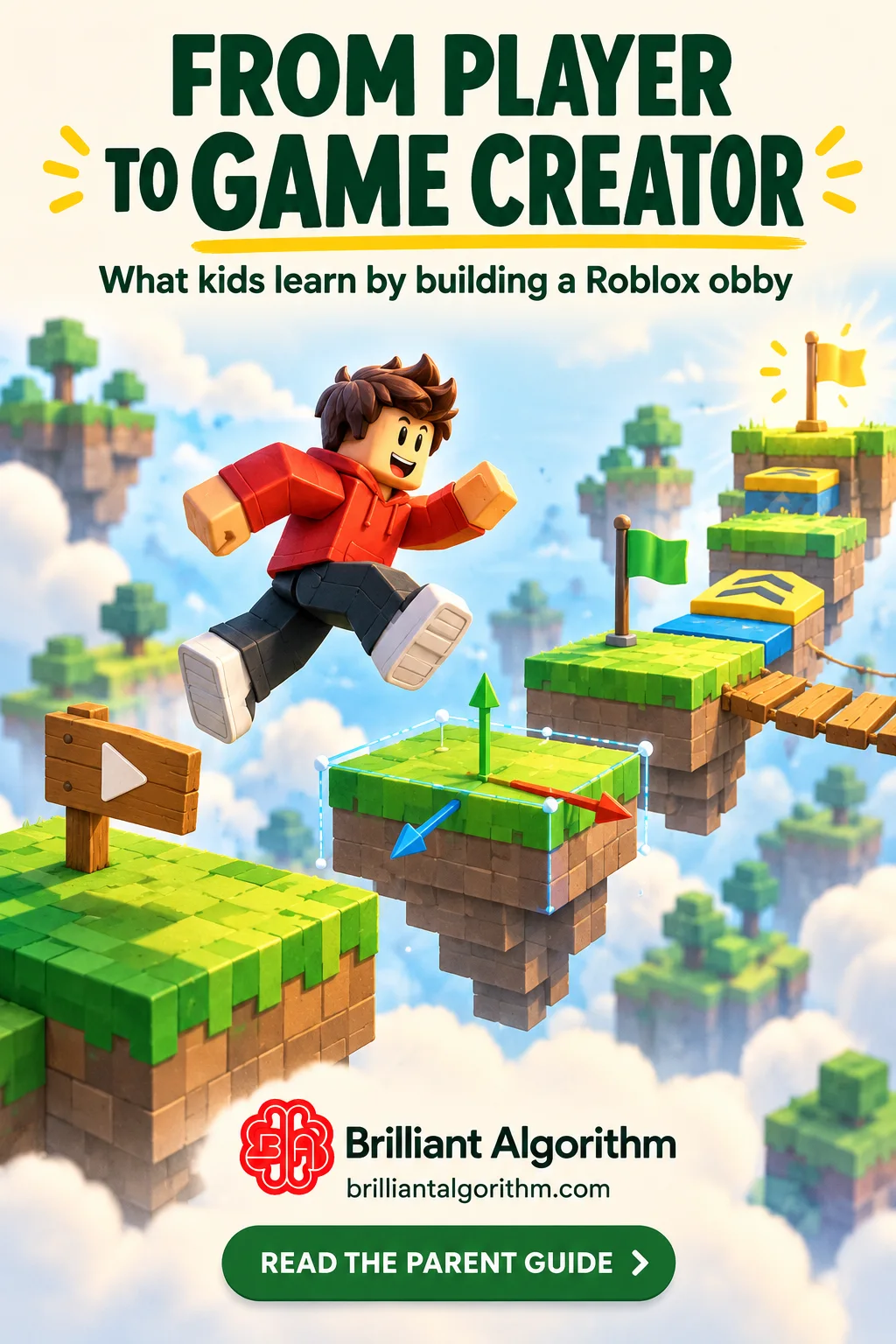
An obby is an obstacle course where players move through challenges to reach a goal. Building one in Roblox Studio can introduce children to 3D design, programming, and testing through a project they can play and improve. Roblox also uses an obby in its own introductory building curriculum.
The learning comes from the decisions behind the course: how far apart platforms should be, what happens when a player falls, and how the game recognises progress.
Start with a project small enough to understand
Consider an example called the Five-Platform Challenge:
1. A starting platform introduces the course. 2. Three platforms create jumps of increasing difficulty. 3. A checkpoint records progress. 4. A final platform marks completion.
This is a proposed learning project, rather than a claim about a particular student’s work.
A small design gives the learner room to understand each feature before adding more. They can sketch the route, build a first version, test it, and decide what needs changing.
What can an obby teach?
| Part of the project | Learning opportunity | |---|---| | Positioning platforms | Working with size, position, rotation, and space | | Planning the route | Creating clear goals and manageable difficulty | | Adding checkpoints | Understanding events and recorded progress | | Creating a score or stage counter | Using variables | | Responding to player actions | Working with conditions and events | | Finding unexpected behaviour | Testing, debugging, and explaining mistakes |
These features should be introduced gradually. A beginner does not need to build every system at once.
Connect building with scripting
Roblox Studio uses Luau for scripting. Luau is based on Lua and provides the instructions that control behaviour inside a project.
For example, a learner can first explain a checkpoint in ordinary language:
“When the player reaches this platform, remember their new stage.”
The teacher can then help connect that idea to the relevant programming concepts. The student should be able to describe what their code is meant to do and test whether it works.
At Brilliant Algorithm, younger beginners can spend more time on building and game design while scripting is introduced gradually. Students ready for a greater coding challenge can follow a more balanced route.
Use testing as part of the lesson
After building a section, ask the learner to play through it.
Can a new player understand where to go? Is a jump possible? Does a checkpoint behave consistently? What happens if the player approaches an obstacle differently?
The learner can make one change, test again, and explain the result. This creates a practical habit they can use in other coding projects.
Review accounts and sharing with a parent
Parents should review the child’s account details and available controls for communication, content, and spending. Roblox’s settings vary with age and account circumstances, so use its current parental-control guidance.
Keep personal information out of project descriptions and screenshots. Learning can begin with building and testing; any decision to publish or share should follow Roblox’s current requirements and a parent’s review.
Give the student room to make decisions
Once the foundations are understood, the student can choose a theme, design a route, and decide what to improve.
For an independent project, the teacher can offer hints or questions while the student makes the design and coding decisions. Asking the learner to explain their work helps show which ideas they understand.
Frequently asked questions
Is Roblox Studio the same as playing Roblox? Studio is a creation environment. Lessons involve building, scripting, testing, and explaining how a project works.
Can a beginner start with an obby? Yes, when the project is kept small and features are introduced at an appropriate pace.
Does a learning project need to be shared publicly? Public sharing is not the starting requirement for learning to build and test. Review current publishing rules before sharing a project.
Explore our Roblox Studio course or book a free trial lesson to discuss your child’s experience and interests.
Want help finding a learning path for your child?
Try a free lesson